SEO settings determine how search engines "see" your website, and this translates into its position in search results. In this article, we will show you how to effectively manage SEO settings in the Sitejet Builder editor.
Global SEO settings can be found in the top menu on the right-hand side of the editor window, in the More > SEO Settings section.
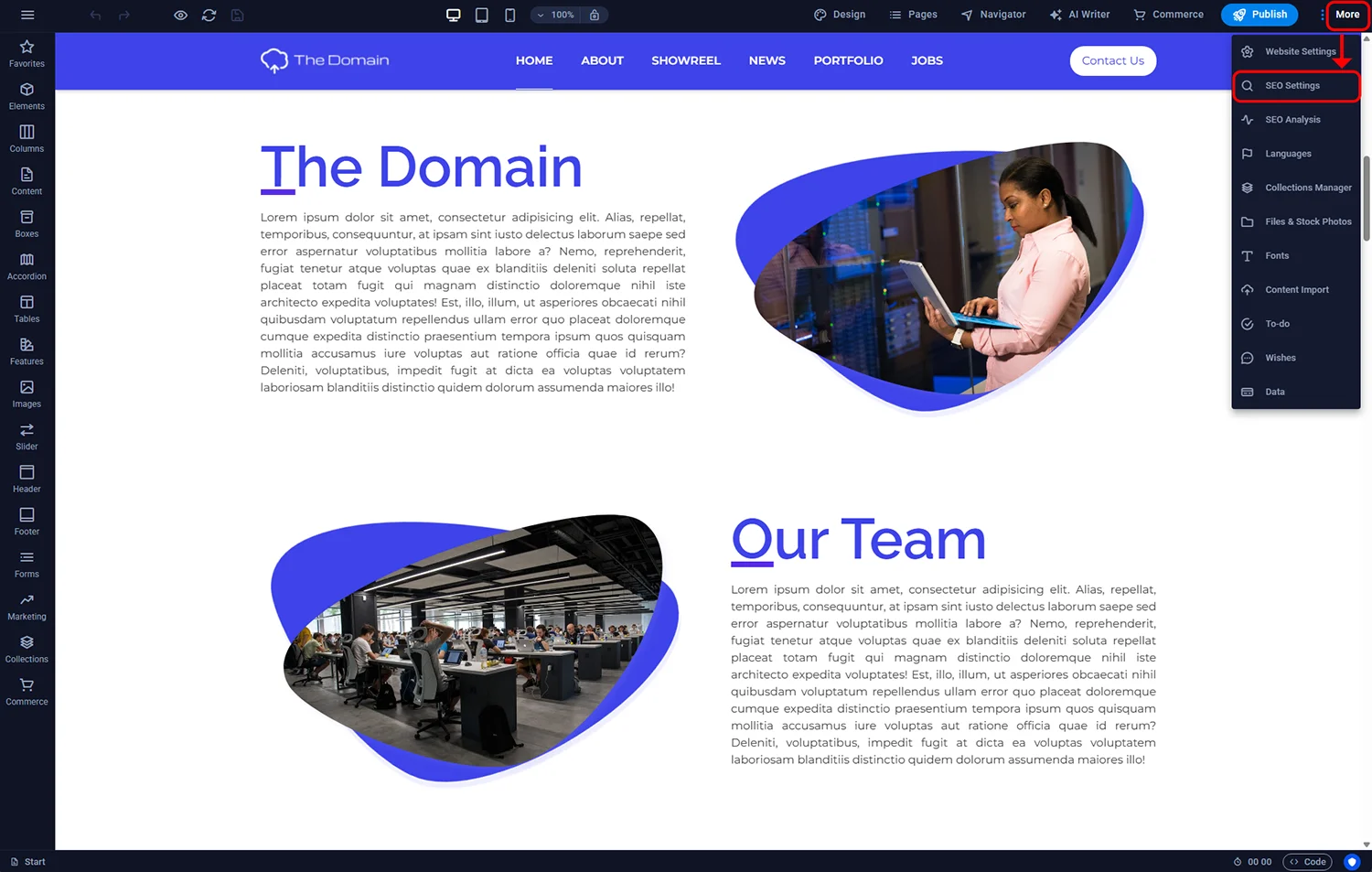
Sitejet Builder - global SEO settings
Here you can configure global SEO settings for the entire website, such as keywords, page titles, and meta tags. Below we explain the individual functions.
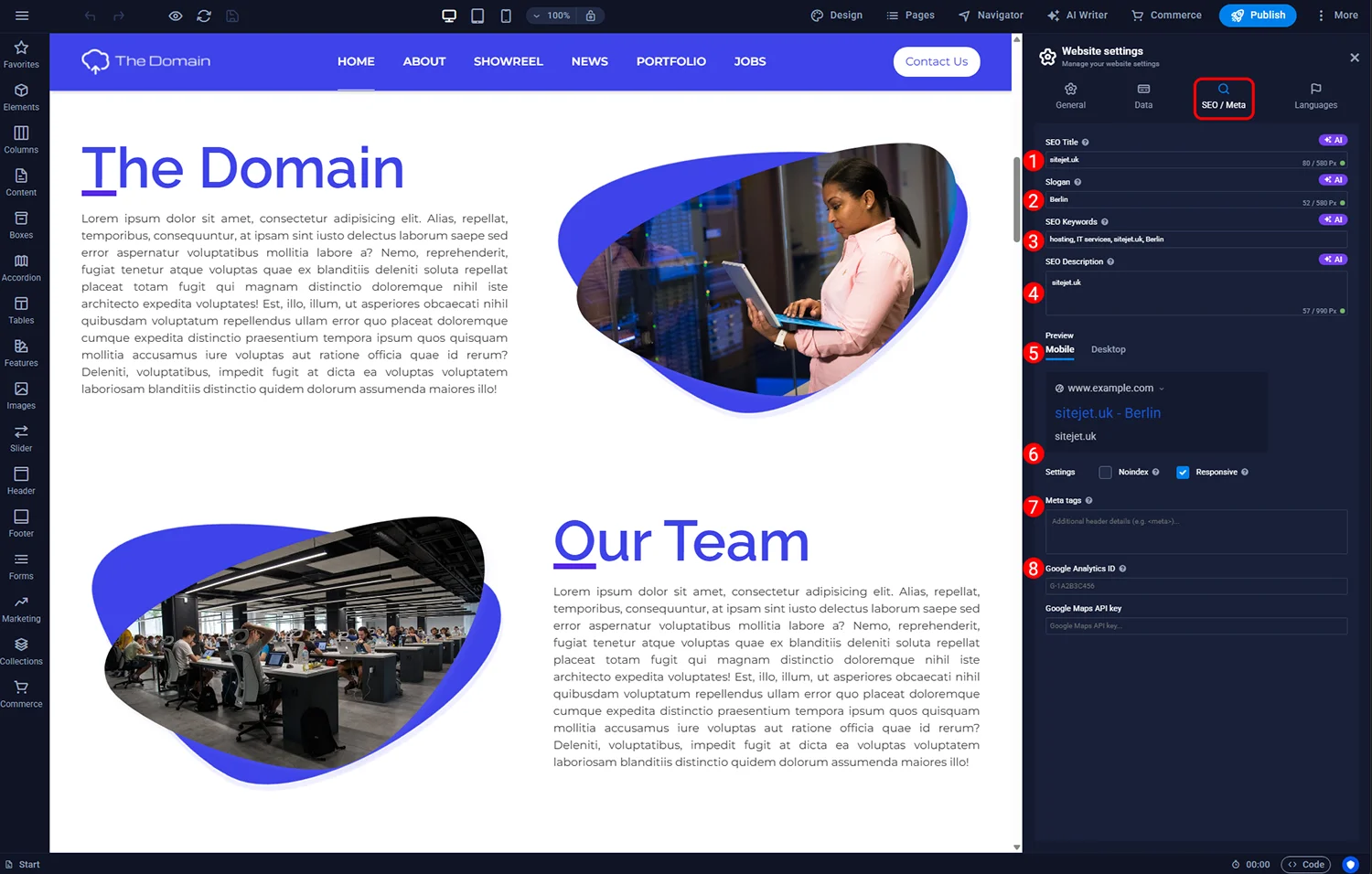
Sitejet Builder - global SEO settings

Sitejet Builder - SEO title and slogan
To add SEO-relevant information to any subpage, click Pages in the top menu, then the cogwheel icon next to the page you want to edit. Here you will find options such as SEO title, description, and keywords. To access advanced settings, such as adding meta tags or a preview image for the specific page, click the More settings button.

Sitejet Builder - SEO settings for subpapes

© 2026 Smartx Technologies LTD. All rights reserved.
